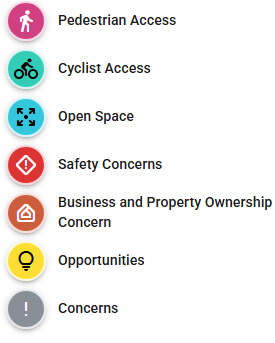
- First, refer to the LEGEND to understand the project alignment and segments on the project map below. Images and street sections are provided by clicking on the icons.
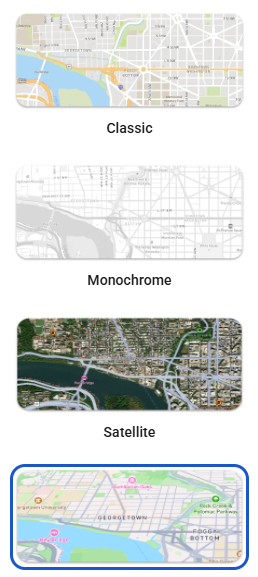
- Select your preferred MAP STYLE for better visibility and orientation. This is located either on the bottom bar if using a phone, or the left bar if using a computer.
- Locate the ADD COMMENT icon below on the map.

- Select a comment type from the selection provided.
- Zoom and search for the area to make the comment using your mouse’s scroll wheel or with two fingers on the phone.
- Pin by tapping on the area you would like to place the comment and select Done.
- Then write your comment, add an image (optional), and provide your email (this is hidden to the public). You might need to scroll down on the post if you are not finding the Email Address portion.
- Once the comment and email has been filled out, hit SAVE to post your comment. Once it has finished loading, hit the X exit sign on the top right to go back to the map view.